LNCA Design System
Enhancing the design system, with focuses on accessibility, updated tools, and documentation.
2023
Legrand
Design System
Background
Overview
During my time at Legrand, I had the opportunity to spearhead a transformative initiative aimed at enhancing our design system. This multifaceted project was driven by the need to update our design system to be easier to use for our designers and match current WCAG accessibility guidelines.
The LNCA Design System was a cornerstone of our design process, providing a solid foundation for creating cohesive and visually appealing products. However, it faced several challenges that necessitated an overhaul.
Timeframe
6 months
Team
1 designer (me), 2 front-end developers
Deliverables
Figma components, documentation
What we did
Problems to solve
1
Color accessibility
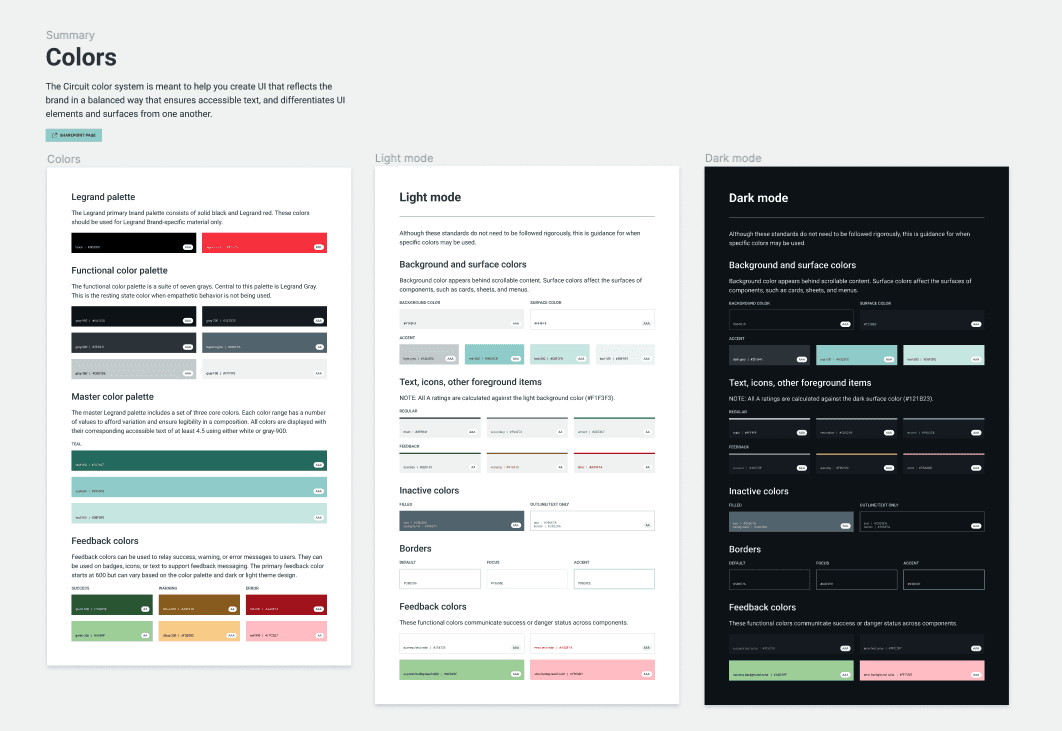
I embarked on an extensive review of our color palette, ensuring that it met the highest standards of accessibility. This included refining color combinations, contrast ratios, and guidelines for usage.
2
Migrating to Figma
As our team of designers were all switching over from Sketch to Figma, the design system needed to be set up to accommodate for the migration. I transferred design components, templates, and assets to Figma. This shift not only improved collaboration but also positioned us to take full advantage of Figma's innovative features, including the updated component properties.
3
SharePoint site overhaul
After doing an audit of the outdated documentation on our SharePoint site, I updated those pages and ensured that documentation was created or updated properly for each future change.
My role
Primary point of contact for the LNCA design system.
Created components in Figma for designers.
Audited our design system for accessibility and made accessibility enhancements.
Revised outdated component documentation and added new Figma component guidelines in SharePoint.
Advocated for the LNCA design system with the broader global Legrand team.
Implementation
Figma components
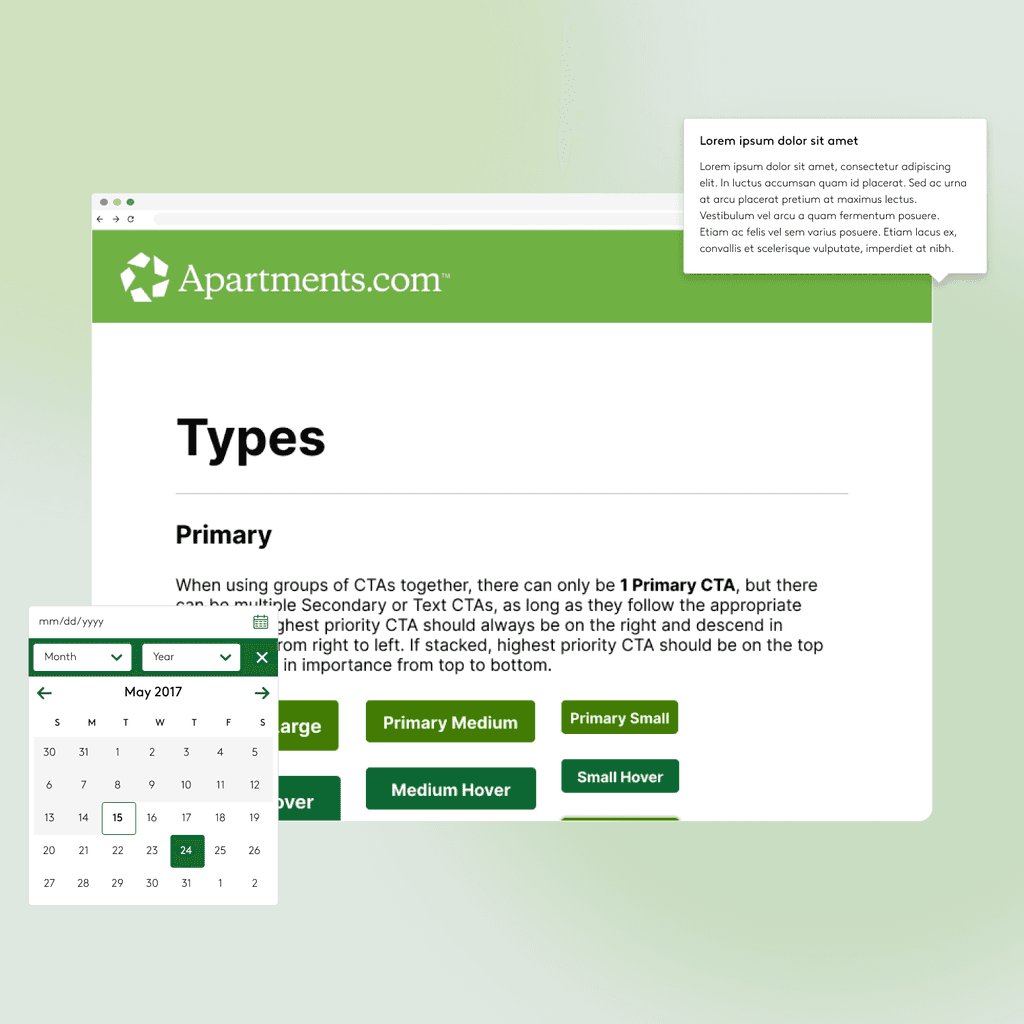
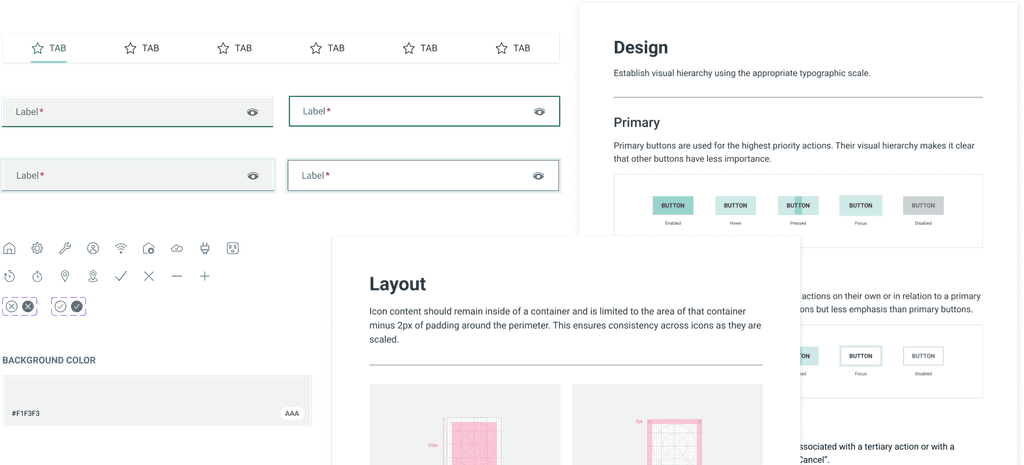
Linked above are all the Figma components that were created during this effort. I began by prioritizing the most commonly used components and working backwards. Each component is now streamlined with properties. Visual accessibility ratings and accessible pairings are detailed. Some simple usage guidelines are also noted within this file.
Implemented in designs
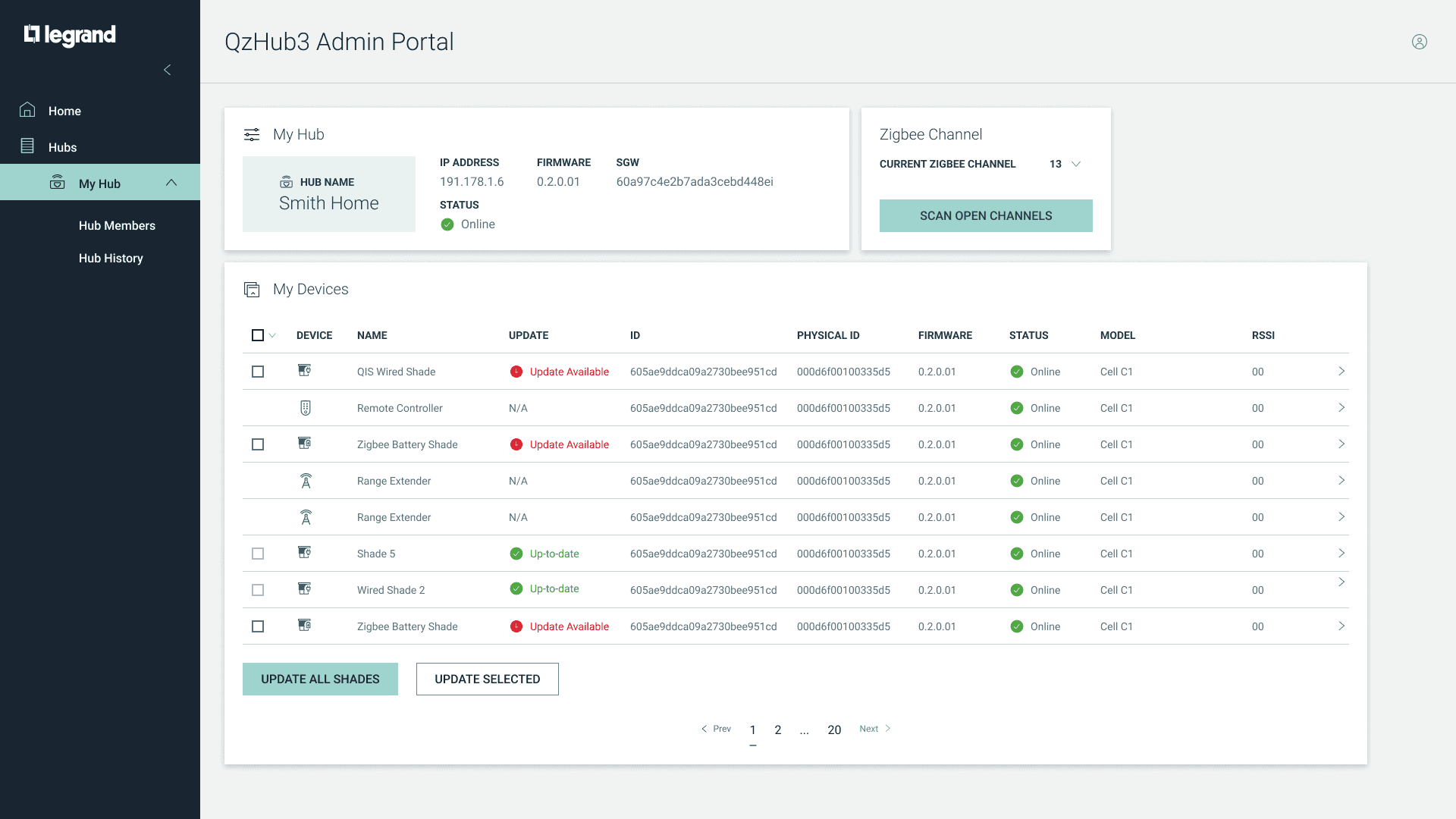
The Figma components are now being fully used by the LNCA design team to create new designs.
Results
Outcomes
More inclusive design
By overhauling the color palette and accessibility guidelines, our products became easier to use for more people. This effort reinforced the company’s values of inclusion while improving everyday usability.
Smoother collaboration
Moving the system into Figma made teamwork faster and more fluid. Designers could share files, update components, and maintain consistency without constantly checking with one another.
A living source of truth
Instead of scattered documents, we now had a reliable, up-to-date home for components and guidelines. Designers could trust that what they were pulling into their work was current and correct.
More projects